
Made TUFFer Down Under
Australians are known across the globe as being some of the world’s most resilient people, and, just like us, our products are born to withstand the TUFFest situations anywhere in the world. It takes TUFF people to make TUFF technology.
If you require rugged laptops, rugged industrial computers, or rugged computer accessories, Motium offers a variety of rugged technology options to fit what you need. Our range includes a variety of rugged PCs, displays and accessories ideal for industrial use or to bolster military capabilities. Depending on what you need to get your job done, our entire range can be customised to fit your specific requirements and suit your rugged technology needs.
By investing in our own design and evolving our products based on experience and customer feedback, we reduce total cost of ownership by allowing customers to mix product and features without having to redevelop software, cabling or configurations. With designs driven by customisation, performance and ease of use, customers also benefit from upgrades and bug fixes without any action on their part.
For in-field examples of Motium’s TUFF range, see our Case Study Brochure below.
INDUSTRIAL RUGGED COMPUTERS, PANEL PCs, LCD DISPLAYS, AND ACCESSORIES
TUFF TECHNOLOGY YOU CAN RELY ON
At Motium, our range of rugged computers and computing accessories has been designed and manufactured to withstand the TUFFest of circumstances, delivering reliable results in any environment. From our Motium TUFF Panel PC, a rugged tablet PC similar to a laptop in functionality, to our Motium TUFF Cables, which are customisable and designed for longevity, Motium has industrial rugged tablets, PCs, monitors and accessories to suit your industry requirements. See our rugged hardware range below.
TUFF+ PANEL PC
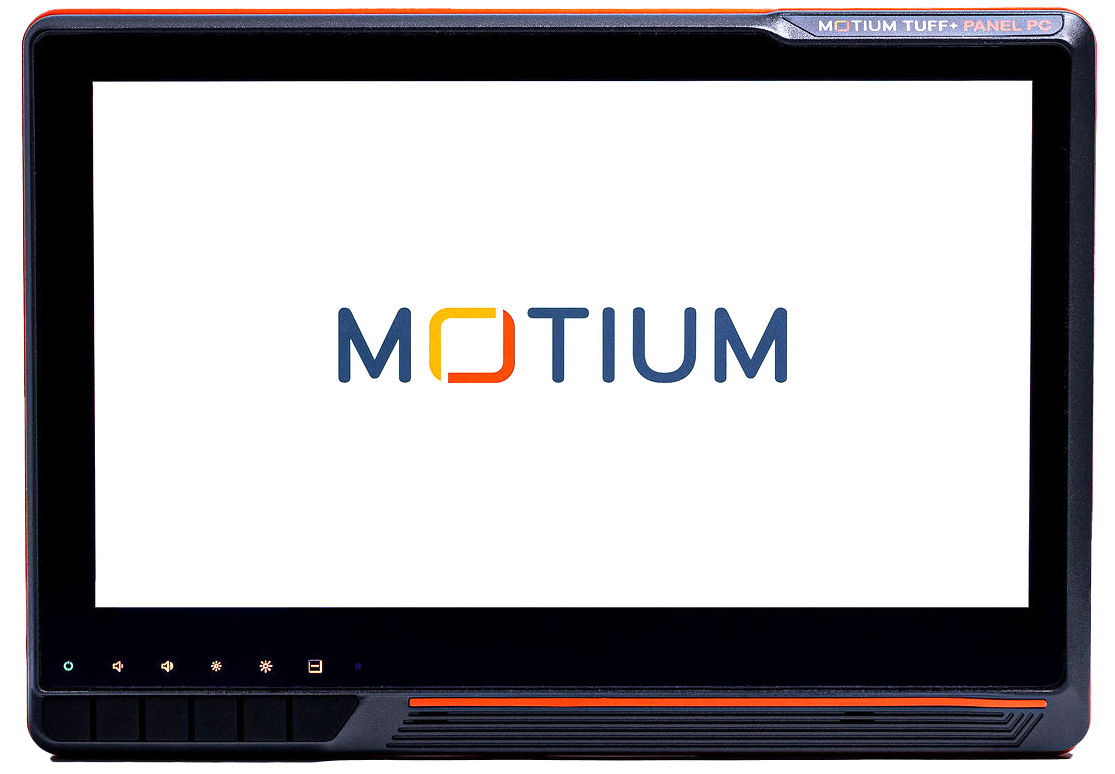 Motium’s new rugged TUFF+ Panel PC is an evolution of our existing TUFF platform. Our most customisable product to date, this fixed mount tablet PC offers a vast range of features that can be added, altered or upgraded to ensure that you can create your ideal sophisticated rugged technology solution.
Key features of the TUFF+ Panel PC include a Full HD touch display, industrial capacitive touch, robust aluminium enclosures, optional quad-core processing power and more.
The TUFF+ Panel PC offers a vast array of customisation options including unlimited configurations in addition to standard card form factors, fully customisable connectors, multiple wireless options, and multiple operating systems, among others.
TUFF+ PC
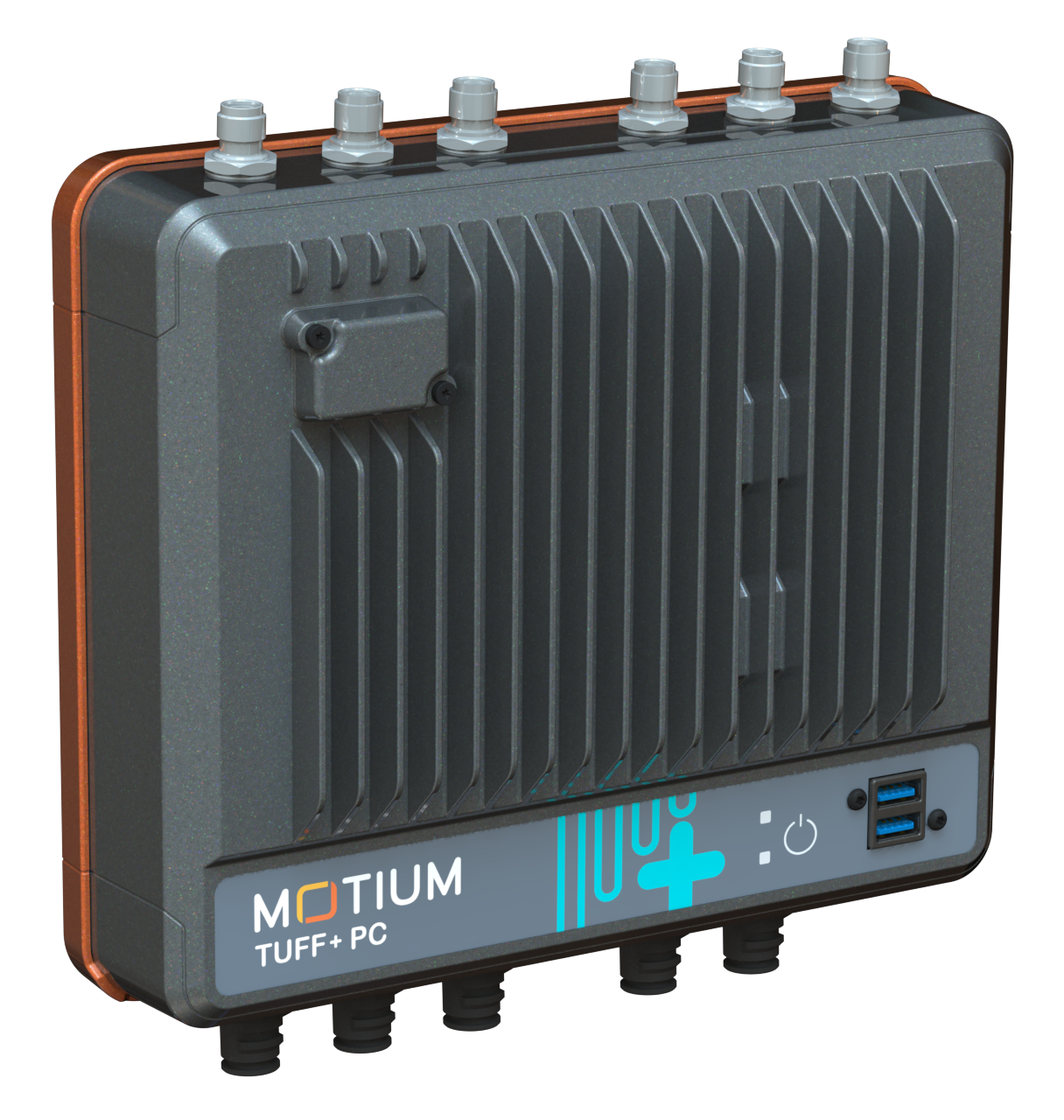 Motium’s new TUFF+ fanless industrial box PC is a full-featured, high-performance compact rugged PC specifically designed for use in harsh environment and tough industries. This rugged computer offers upgraded powerful operation combined with high performance to produce Motium’s next generation rugged PC solution.
With an increased range of customisable features, and an increased IP67 rating, the TUFF+ PC gives you more of what you need to get the job done, no matter the environment.
TUFF PANEL PC
Motium’s TUFF Panel PC is compact, robust, lightweight tablet PC and operates much like a rugged computer or laptop but is designed to be fixed mounted in a diverse range of vehicles present in tough industries. The TUFF Panel PC suits all in-vehicle applications and can be used wherever there is a power source.
This fanless, water resistant industrial rugged panel PC can be used in the harshest of environments, from below freezing to extremely hot temperatures.
Available in a variety of sizes, the TUFF Panel PC is customizable, vibration and shock proof, sunlight readable, dust tight, and protects against transients. The TUFF Panel PC is packed with the rugged features required to help you get the job done the first time, every time.
TUFF VIEW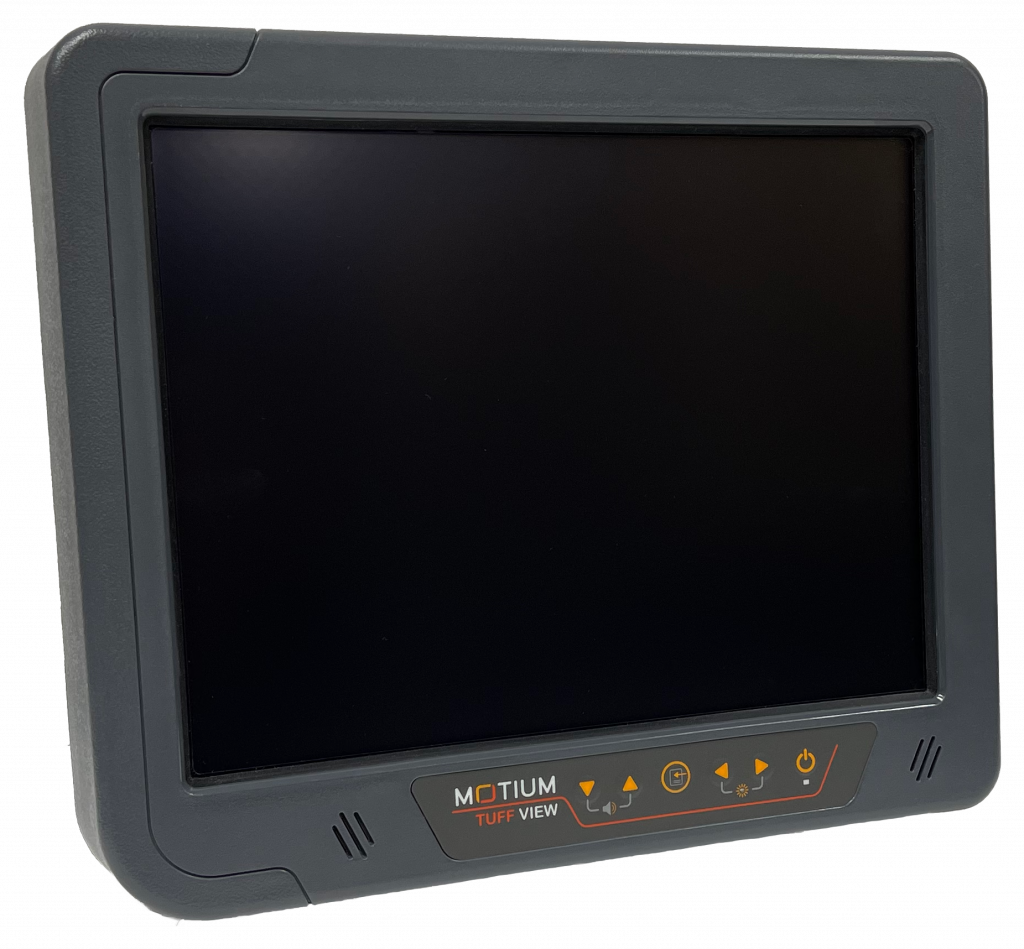
Motium’s TUFF View is a rugged touch monitor that has been specifically designed to ensure successful vehicle deployment in the harshest environments and toughest industries. The TUFF View uses ultra-efficient, high-brightness LED backlighting to achieve exceptional sunlight readability.
Available in two sizes, each aspect of this fixed mount LCD monitor guarantees reliable operation in the remotest of locations and under conditions such as extreme temperatures, harsh vibration and shocks, glaring sunshine or the dark of night, and when subject to high pressure water spray and high dust levels.
TUFF View’s functional and easy-to-use design makes it the ideal choice for your rugged monitor requirements.
TUFF PC
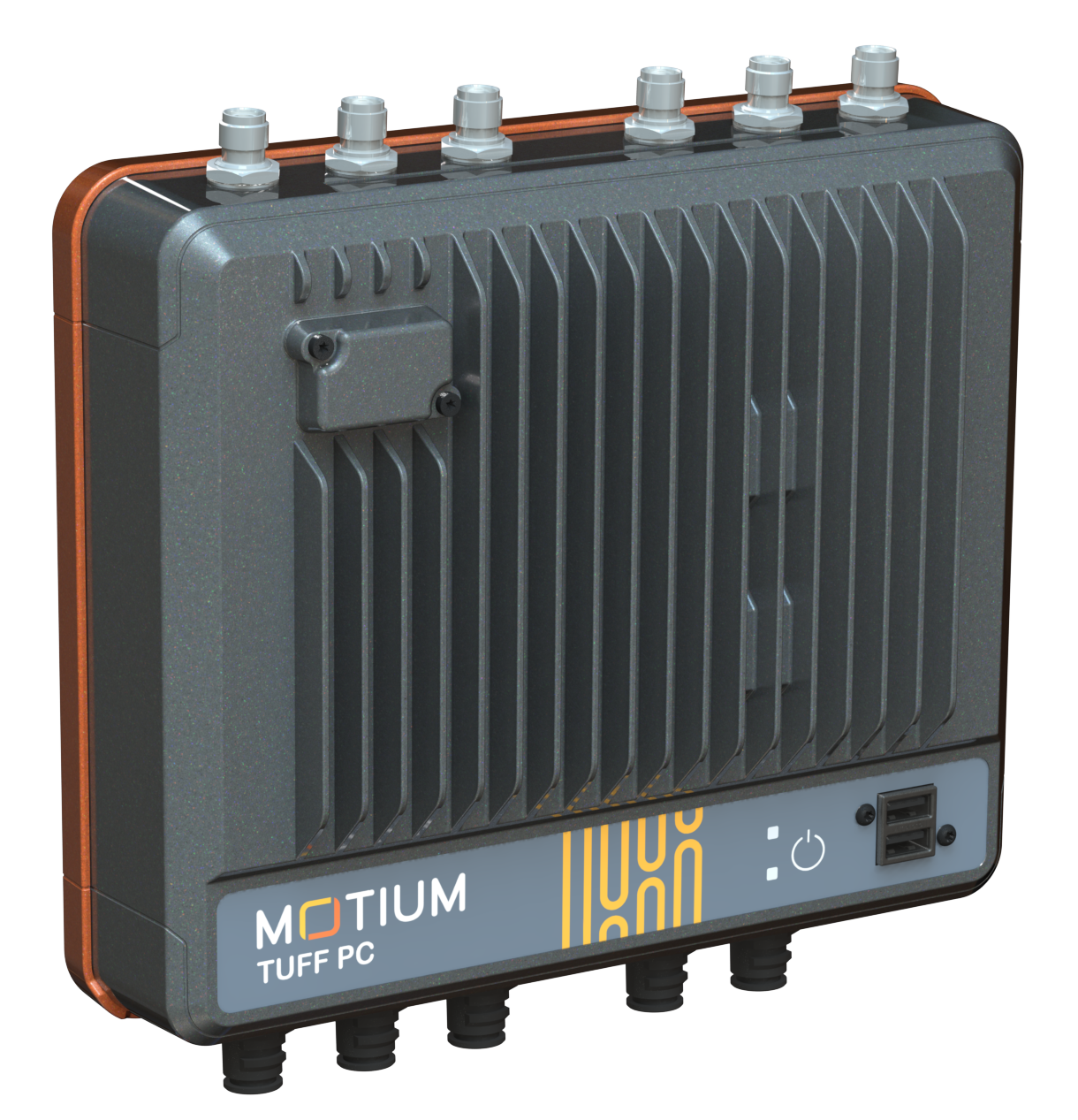 This fanless industrial box PC is a compact rugged PC specifically designed for use in harsh environment and tough industries. This rugged computer offers powerful operation combined with high performance to produce your ideal rugged box PC solution.
With a wide range of customizable options, the TUFF PC includes an internal UPS battery back to ensure that you can rely on the TUFF PC during the times that you need it the most.
With an IP65 rating, the TUFF PC can safely be splashed with water, sprayed with high pressure water hoses, and is completely dust tight. Additionally, the TUFF PC offers reverse polarity protection, transient protection, and intelligent power on/off control (for battery-powered applications).
TUFF IIoT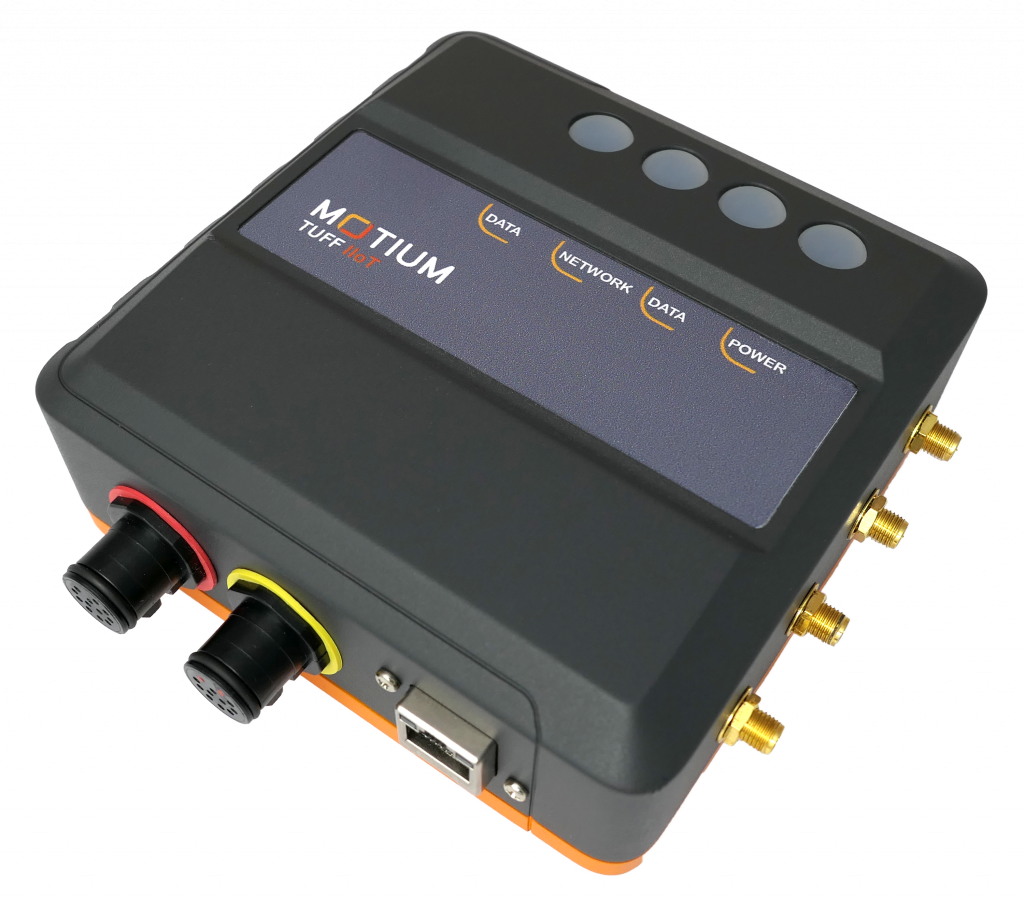
Motium’s Industrial Internet of Things (IIoT) platform is the answer to remote, automotive, rugged, and reliable IIoT hardware.
This revolutionary IIoT device has been designed to offer customizable IO for vehicles, process control, and a diverse range of wired and wireless sensors.
Available with water and dust proof enclosures and connectors, this IIoT has been designed to last and withstand harsh environments and is a rugged device you can rely on.
TUFF CABLES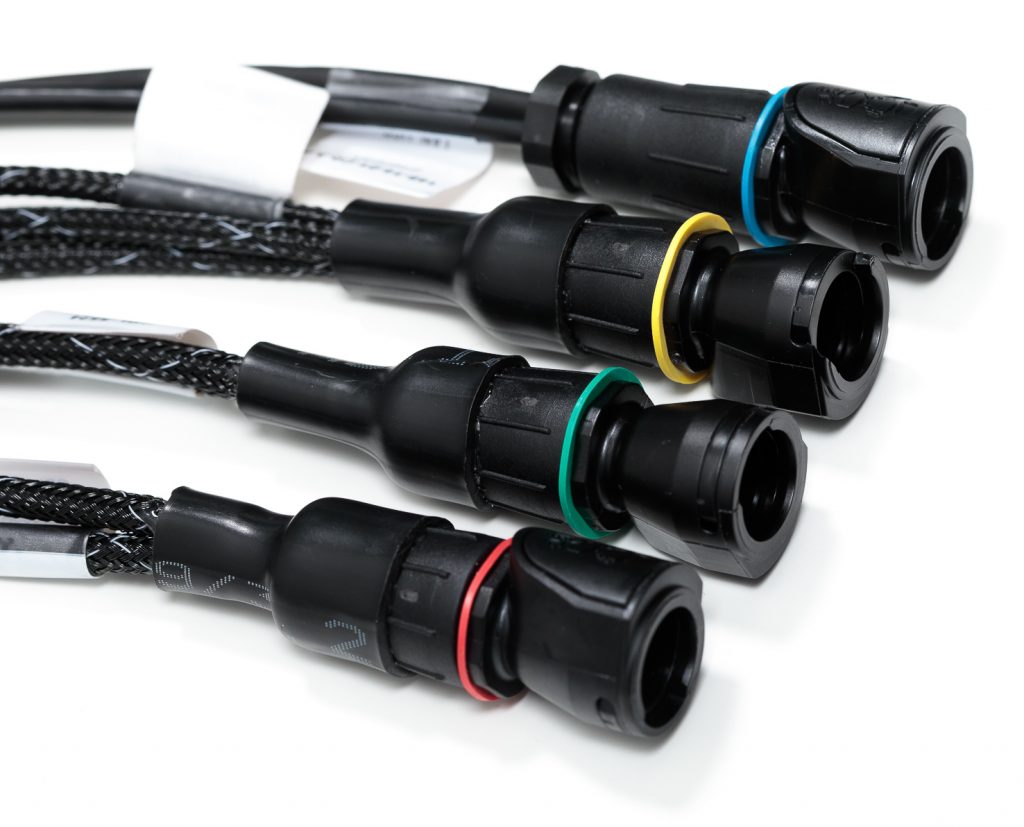
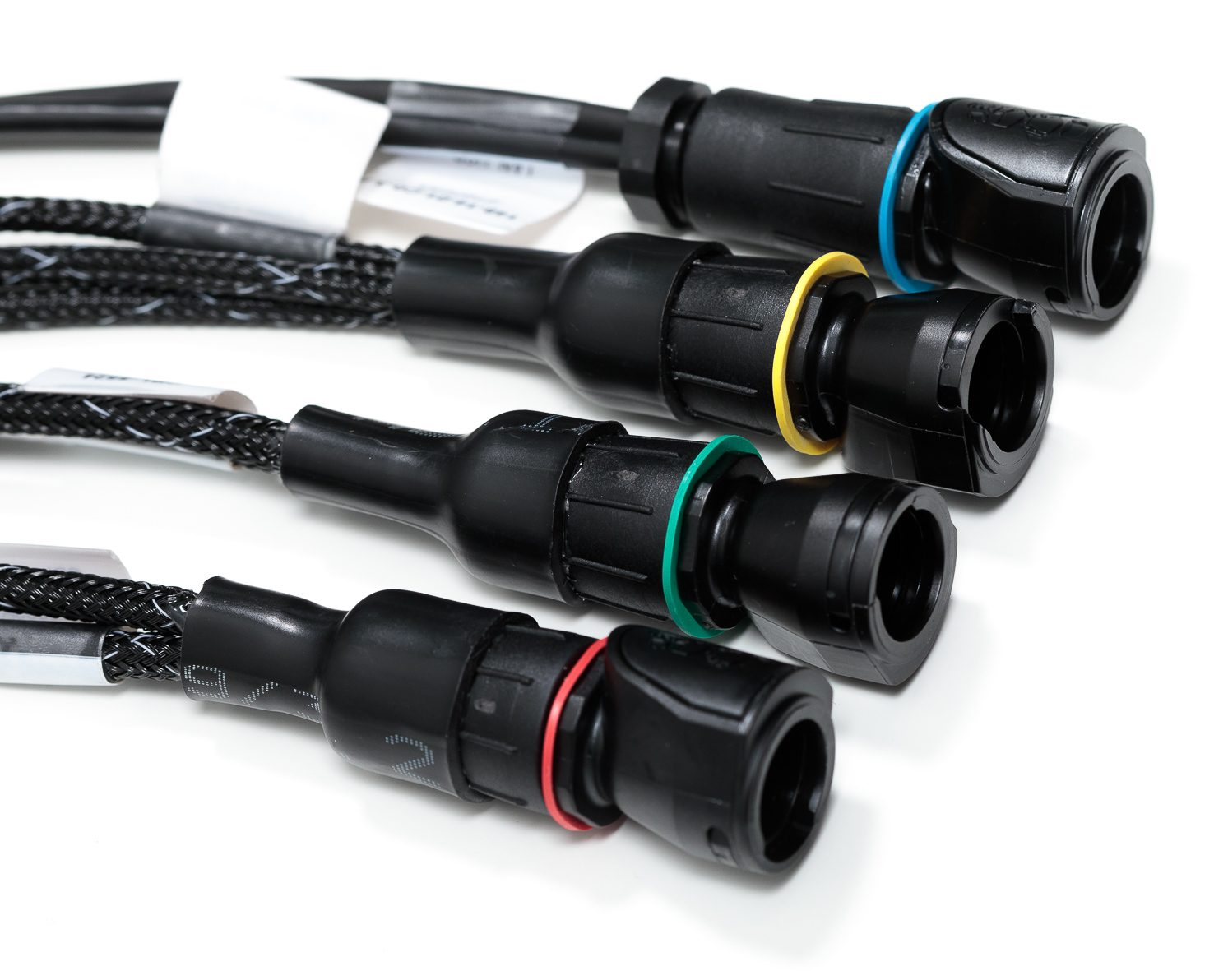
Motium’s range of rugged, high-quality cables are designed for longevity and ease of use. Motium works with reputable brand names to assist with the components required to manufacture the TUFF Cables, such as Amphenol, Deutsche, Hellermann and Tyton. Motium’s TUFF Cables offer ground-up customisation, from length through to connectors.
The TUFF Cables are rated up to IP69K, which is the test standard used in automative products. This means the cables can withstand and protect against ingress of dust and high temperature, high pressure water. You can rely on these cables to last longer and remain operational for many years to come.
Other Information
Contact Us
If you require more information on our design and customization capabilities, or would like to order one of our rugged PC displays or accessories from our Motium range, contact us today on +61 8 9355 3000 or connect on LinkedIn.